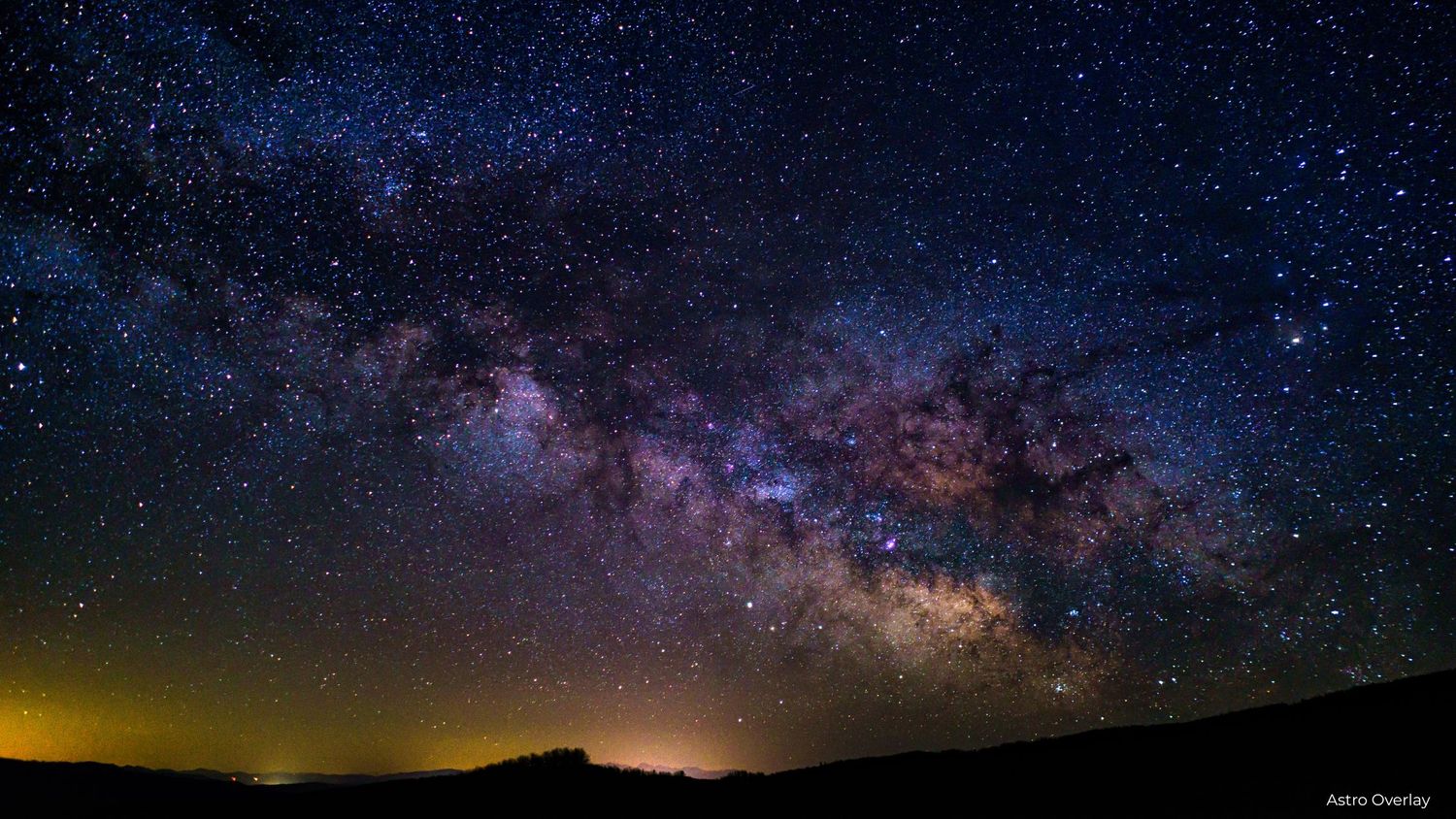
Enchanting Astro Overlays
Some images feel grounded in reality. Others feel like they belong in a dream. Astro overlays are what bridge that gap. If you love creating photos that feel cinematic, emotional, or slightly otherworldly, the Enchanting Astro Overlays Bundle give you the tools to transform ordinary night skies into magical scenes filled with stars, moonlight, and celestial atmosphere-all without complicated compositing.
This collection is perfect for photographers and creatives who want their images to feel timeless, imaginative, and story driven.
What are Astro Overlays?
Astro overlays are high-quality photoshoot overlays designed to add celestial elements to your photos, including:
- Stars and constellations
- Moonlight and glowing moons
- Night skies and galaxies
- Soft cosmic textures
They're layered over your existing image and blended seamlessly, allowing you to control the mood and atmosphere of a photo without reshooting or waiting for the perfect night sky.
What's Included in the Enchanting Astro Overlays Bundle?
This bundle includes 50 + enchanting astro overlays carefully designed for creative and fantasy-inspired photo edits.
Inside the collection, you'll find:
- Dreamy moon overlays
- Star-filled skies
- Celestial light effects
- Atmospheric night sky elements
Each overlay is designed to blend naturally with portraits, landscapes, and creative composites-making it easy to elevate your images while keeping them believable and artistic.
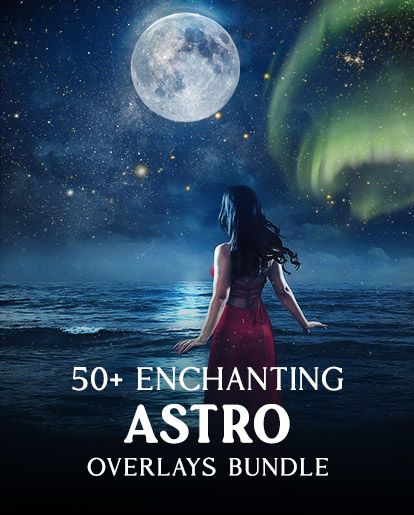
Click on the image to download the bundle:
Why Astro Overlays Are Perfect for Creative & Fantasy Photography
Astro overlays shine in photography that leans toward storytelling. They're ideal for:
- Fantasy portraits
- Fairytale or princess-inspired edits
- Artistic senior portraits
- Creative self-portraits
- Conceptual or fin-art photography
Adding stars or moonlight instantly changes the emotional tone of an image. A simple portrait becomes a scene. A location becomes a story.
Easy to Use in Photoshop (No Advanced Skills Needed)
You don't need to be an advanced photoshop user to work with astro overlays.
Basic workflow:
- Open your image in Photoshop
- Drag the astro overlay on top
- Adjust the blend mode (Screen, Lighten, or Overlay work well)
- Mask areas you don't want affected
- Fine-tune opacity and color
In just a few steps, you can create a completely different atmosphere while keeping your edit natural and cohesive.
Pair Astro Overlays with Other Creative Tools
Astro overlays work beautifully when combined with:
- Sky overlays
- Light or haze overlays
- Artistic mood effects
- Color grading presets
Layering tools thoughtfully allows you to build depth, mood, and emotion without over-editing.
Who This Bundle is Best For
The Enchanting Astro Overlays Bundle is ideal for:
- Photographers who love fantasy or cinematic edits
- Creatives who enjoy imaginative storytelling
- Digital artists and designers
- Anyone wanting dramatic night-sky effects without complex compositing.
If you enjoy pushing your edits beyond traditional photography and into artistic expression, this bundle is a powerful addition to your workflow.
Why This Bundle is a Great Value
Instead of searching for individual moon or star overlays, this collection gives you a curated set designed to work together. That means:
- Consistent quality
- Faster editing
- More creative freedom
It's a small bundle with a big creative impact.
Final Thoughts
Astro overlays aren't about making images unrealistic-they're about enhancing emotion and imagination. The Enchanting Astro Overlays Bundle allows you to turn portraits into dreamscapes, night skies into art, and creative ideas into finished images. Whether you're creating fantasy portraits or simply adding a touch of magic to your edits, these overlays help your photos feel intentional and inspired.
Affiliate Disclosure
This post contains affiliate links. If you choose to make a purchase through these links, I may earn a small commission at no additional cost to you. I only share tools and resources I genuinely believe are valuable for photographers and creatives.