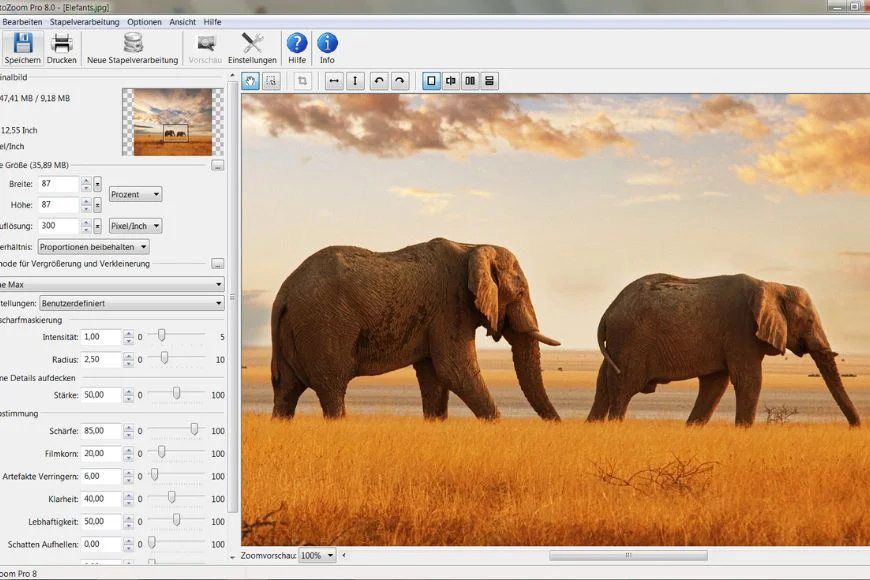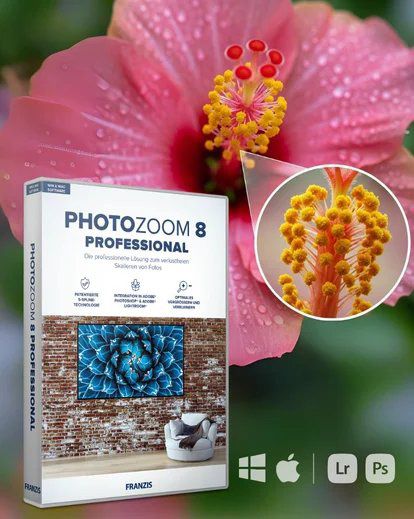
As a photographer, sharp details matter. Whether I'm printing large wall art, prepping files for clients, or fine-tuning a creative portrait, I need my images to look clean and crisp. This tool has quickly become one of my favorites for taking an ordinary image and turning it into something print worthy-without losing quality.
If you love creating professional-level work without endless retouching, this is a game changer.
Why I love It
What I love most is how fast and clean the results are. I can scale an image up without it turning soft or pixelated, and it plays so nicely with my existing editing workflow in Adobe Photoshop and Adobe Lightroom. Perfect for Photographers who love detail-especially for prints, portraits, and big creative projects
What's Included / Features
*Award-winning S-Spline Max technology
*Enlarge images up to 1,000,000 x 1,000,000 pixels
*Batch processing for faster workflows
*Adobe Photoshop & Lightroom integration
*High-quality resizing and downsizing
*Reduce JPEG artifacts and noise
*Supports both Windows & Mac
*Perfect for large-scale prints and professional edits
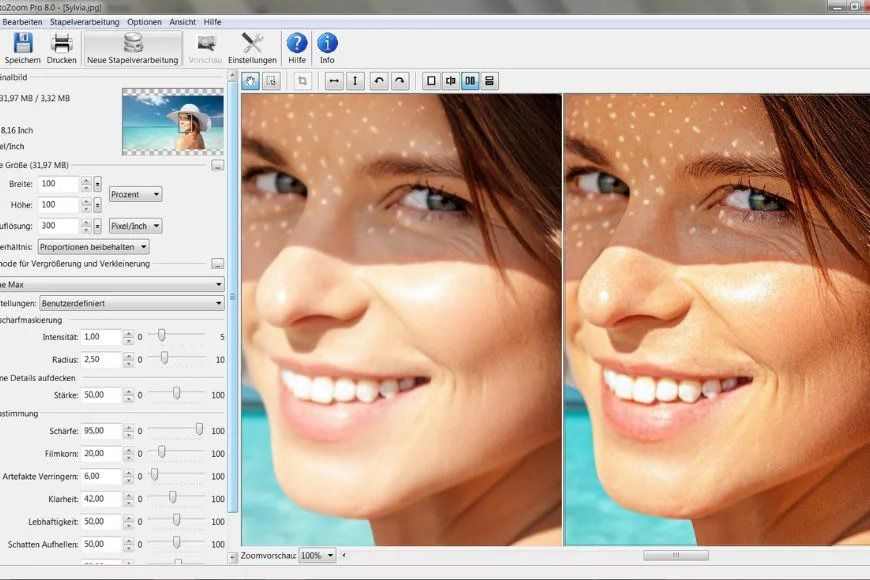
Disclosure: This post contains affiliate links. That means I may earn a small commission if you purchase through my link-at no extra cost to you. I only share tools I truly use and love.
If you've ever wished, you could make your images bigger without losing quality...this tool is a total game changer.
Clear. Sharp. Print-ready. Exactly how I want my images to look. Click the Pictures to shop this photo editor.
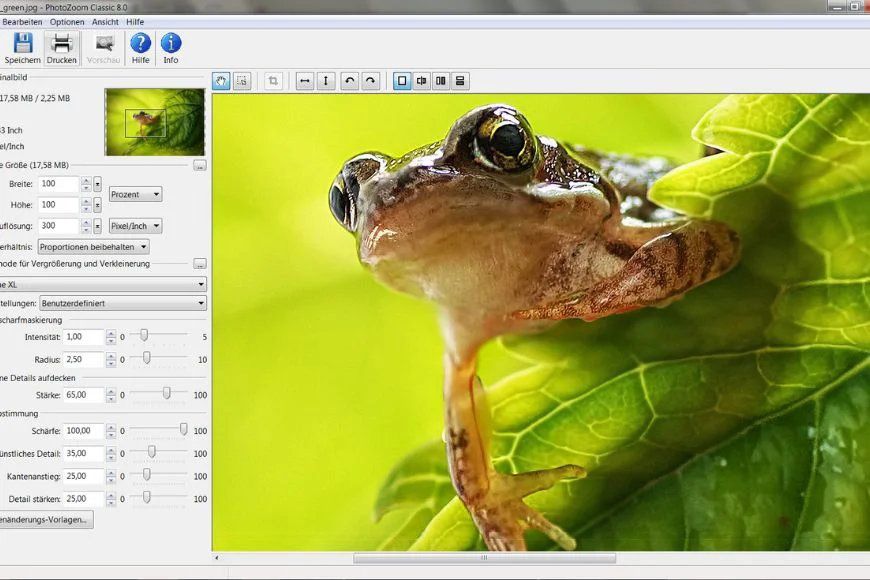
If crisp, clean details matter to you too...this one's worth it.
Add it to your workflow and watch the difference.